Workbook sheet · Braille alphabet
Braille alphabet chart you can tap
Many alphabet results are PDFs. This page is a Grade 1 letter grid: tap a letter to see dots 1–6 and Unicode, then copy. Use it next to the translator, or go to practice when you want to test recall.
Grade 1 letter grid
Tap a letter to highlight dots, Unicode, and copy. Digits live on Numbers.
Tap a letter to see its cell.
Select a letter to preview its six-dot cell.
Worked examples
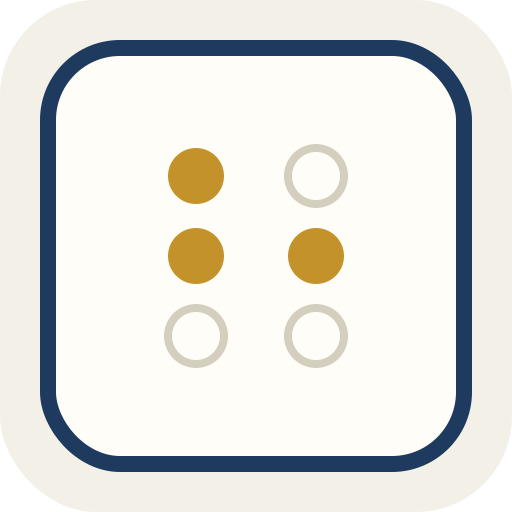
Tap w
→ dots 2-4-5-6 → ⠺
Tap a then b
→ Copy ⠁⠃ into the translator
Questions on this sheet
Is this Grade 1 or Grade 2?
Letter cells here are Grade 1 (uncontracted).
Can I print it?
Copy Unicode or take a screenshot. The page is built for screen use first.
Where are numbers?
On the braille numbers page.
Does tapping upload anything?
No.
Watch for these
- Letter w does not follow the neat older pattern. That is normal.
- Capitals use a marker in literary braille. This chart focuses on letter cells first.
- Official PDFs win on authority. This page wins on being clickable.
How this sheet works
Tap a letter to highlight the dots, show Unicode and the dot list, then copy or open it in the translator.
Assumptions
26 English letters in Grade 1. On-screen six-dot layout for sighted use. Reading by touch on paper or hardware is a different skill we do not certify.
Use when
Learning letters. Checking one cell while labeling. A short classroom demo without printing a poster.
Skip when
Not a full UEB rulebook. Digits are on the numbers page. History essays are not the point of this page.
Nearby sheets
Continue
Learning and conversion tool only. Grade 1 (uncontracted) English braille. Not vision-care, not certification.