Workbook sheet · Unicode braille
Unicode braille patterns for on-screen cells
Digital braille on the web is usually Unicode Braille Patterns — characters that look like cells in supporting fonts. This page explains that block in plain language and gives you the same translator so you can generate real strings.
Worked examples
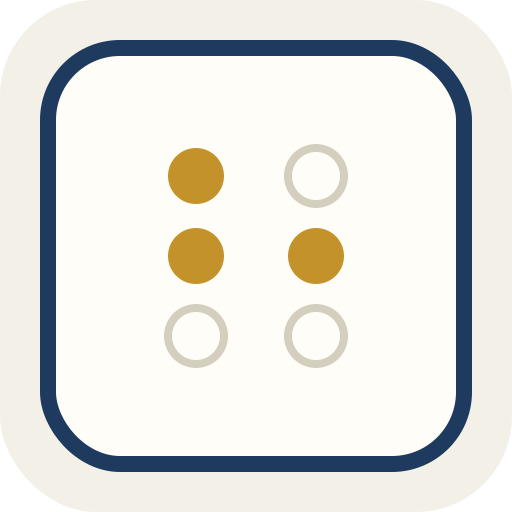
Letter a
→ ⠁ (U+2801)
Blank cell
→ ⠀ (U+2800)
Questions on this sheet
What block is this?
Unicode Braille Patterns, U+2800–U+28FF.
Is Unicode the same as paper braille?
No. It is an on-screen encoding.
Can I copy cells?
Yes. Use the translator Copy control.
Local only?
Yes. Nothing is uploaded to convert.
Watch for these
- Missing braille font → empty boxes (tofu).
- Some apps strip braille symbols on paste.
- ASCII braille is a different mapping — see the ASCII page if a pipeline asks for it.
How this sheet works
Encode English to Unicode cells below. Switch views to dots or ASCII when you need another representation. Copy from the console.
Assumptions
Six-dot focus. Eight-dot exists in the block; we do not build an eight-dot product here.
Use when
Dev or education copy-paste. Making slides or labels with real braille characters.
Skip when
Claiming tactile equivalence on every device. Fonts and screen readers differ.
Nearby sheets
Continue
Learning and conversion tool only. Grade 1 (uncontracted) English braille. Not vision-care, not certification.